Business
Revolutionizing Business Communication with Information Screen Displays
How digital information screens improve workplace and customer communication, where to place them, what content works and how to keep displays fresh.
2 minutes
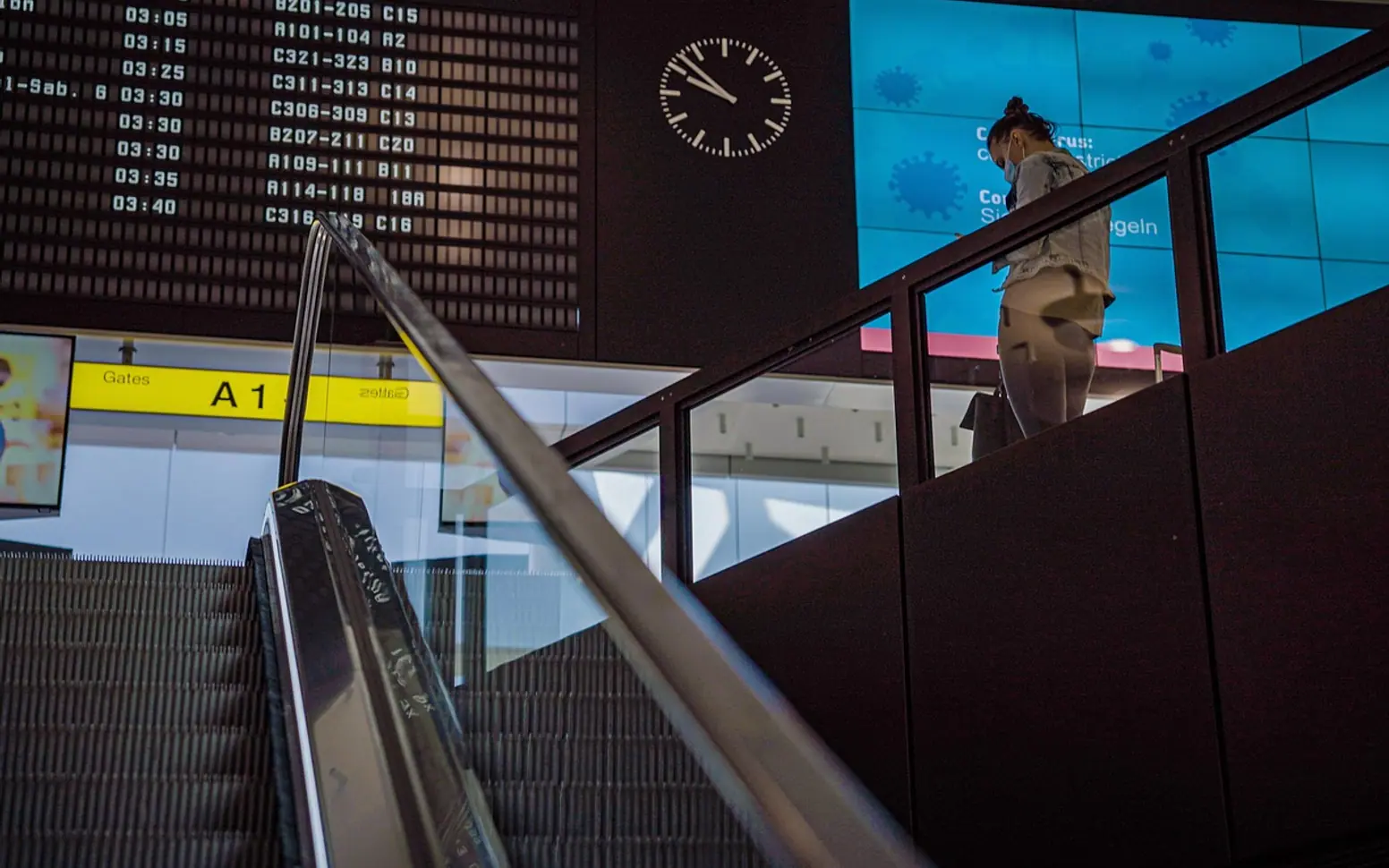
Email inboxes overflow, noticeboards gather curling paper and team meetings run out of time before every announcement is made. Many organisations have found that a well-placed digital screen solves part of that problem. It shows the right message to the right people at the moment they pass by, without asking anyone to open another app or attend another briefing.
Where screens earn their place
Location decides most of what a screen can achieve. A few spots tend to work particularly well:
- Entrances and reception areas for welcome messages, visitor instructions and the day's schedule.
- Break rooms and kitchens, where people linger long enough to read updates, celebrations and safety reminders.
- Production floors and warehouses for targets, shift changes and live operational information.
- Shop windows and sales floors for offers, opening hours and product highlights aimed at customers.
- Meeting room corridors for booking status and directions.
Content that people actually read
A screen is only useful if its messages are noticed. Short headlines, large text and strong contrast make a slide readable from across a room. Each slide should carry one idea rather than a crowded collage of announcements. Mixing practical information with lighter items, such as team achievements or a weather forecast, keeps people glancing up rather than tuning out.
Different departments can run their own playlists, so the warehouse sees delivery updates while the sales team sees targets and product news. That kind of targeting is difficult with printed posters but straightforward with digital content.
Choosing hardware and software
The display itself needs to suit its environment. Screens in bright shop windows need higher brightness, while those in busy corridors benefit from sturdy mounting and commercial-grade panels built for long running hours. Companies comparing options can browse a dedicated range of information screen display for business models, which makes it easier to match size, orientation and brightness to each location.
On the software side, look for a content manager that lets several people schedule slides, set start and end dates and update screens remotely. Templates save time, and the ability to pull in live data, such as calendars or dashboards, keeps screens current without manual effort.
Common mistakes to avoid
- Leaving the same slides running for months until nobody looks any more.
- Packing too much text onto a single screen.
- Placing displays where glare or awkward angles make them hard to read.
- Forgetting to assign someone responsibility for keeping content up to date.
Measuring the effect
Results are easiest to judge through everyday signs: fewer repeated questions at reception, better attendance at events that were promoted on screen, or quicker awareness of safety notices. Asking staff and customers for feedback after a few weeks helps fine-tune placement and content. Over time, a modest network of screens can become one of the clearest and most dependable communication channels a business has.
Questions? Write to us.
Suggestions help us plan.